· Rehman Ahmad · Tutorials · 9 min read
Unicode Urdu vs InPage Text: What Is the Difference?
Compare Unicode Urdu with legacy InPage text: character mapping, fonts, searchability, websites, print workflows, and safe two-way conversion.
Unicode Urdu and legacy InPage text can look identical when they are displayed in a suitable Nastaliq font, but they are not the same kind of text. Unicode Urdu is the standard form used by modern websites, word processors, databases, and messaging apps. Legacy InPage text uses character mappings associated with older InPage publishing workflows.
That difference decides whether your Urdu remains searchable, reusable, and readable outside its original software. It also explains why text copied out of an older InPage document can turn into symbols in Word or a browser.
Quick decision: Keep Unicode Urdu as the master copy for websites, Word, archives, and everyday sharing. Use legacy InPage-compatible text only when a specific InPage document, font, or printer workflow requires it. You can switch directions with the free Unicode to InPage converter.
اردو میں مختصر رہنمائی: ویب سائٹ، Word اور WhatsApp کے لیے یونیکوڈ اردو رکھیں۔ پرانے ان پیج ورک فلو کے لیے ضرورت پڑنے پر صرف متن تبدیل کریں اور اصل یونیکوڈ نقل محفوظ رکھیں۔
Unicode Urdu vs Legacy InPage Text at a Glance
| Area | Unicode Urdu | Legacy InPage text |
|---|---|---|
| Character values | Standard Unicode characters, commonly stored as UTF-8 | Legacy values interpreted by a compatible InPage workflow |
| Where it works best | Websites, Word, Google Docs, databases, email, and messaging apps | Existing InPage documents and workflows that explicitly require it |
| Copying to a modern app | Usually remains readable Urdu | May appear as symbols or Latin-looking characters |
| Search and reuse | Can be searched, selected, stored, and exchanged as text | Needs conversion before modern tools can reliably interpret it as Urdu |
| Font’s job | Draws Unicode characters in Naskh, Nastaliq, or another style | Helps the compatible workflow display its legacy values as Urdu |
| Website publishing | Suitable for live Urdu HTML when RTL, language, and font are set correctly | Not suitable as a modern website’s primary text format |
| Document layout | Plain text does not include page layout | An .inp document can include InPage-specific layout in addition to text |
| Long-term use | A practical format for editing, search, and data exchange | Keep the original files, but maintain a verified Unicode copy too |
The key point is that a font is not a text converter. Fonts change appearance. Character mappings determine what text a computer believes it is reading.
What Unicode Urdu Means
Unicode is a shared standard for representing written characters. Urdu letters have standard character values, so a Unicode Urdu sentence can be copied from a website to Word, a phone, a content-management system, or an email without being tied to one particular publishing application.
For example, Unicode identifies Urdu Alef as U+0627. A font such as Noto Nastaliq Urdu, Gulzar, or Jameel Noori Nastaliq then decides how that character is shaped visually. The character value remains the same even when the font changes.
This separation gives Unicode Urdu several practical advantages:
- It is editable text in modern applications.
- It can be searched and indexed when the destination system supports Urdu text.
- It works with accessibility tools that expect standard text.
- It is easier to store in databases, spreadsheets, CMS fields, and APIs.
- It can use different Urdu fonts without changing the underlying words.
Unicode does not guarantee that every app will render Urdu beautifully. The destination still needs a suitable font, right-to-left direction, and Arabic-script shaping support. But the text remains standard and transferable.
What Legacy InPage Text Means
Older InPage projects can use non-Unicode character mappings designed for their own typesetting environment. Inside a compatible InPage setup, those values are displayed as Urdu through the expected font and workflow. Outside that environment, a browser or word processor may read the same values differently and show symbols, punctuation, or Latin-looking characters.
This is why a paragraph can appear perfect in an older InPage document but become unreadable after pasting it into Word. The letters may not be lost; the receiving app simply does not know that the copied values were meant to represent Urdu in that particular workflow.
Legacy mappings can vary with the document source, InPage version, and font workflow. Treat a short sample as a compatibility test before converting an important book, newspaper issue, or archive.
Text, Fonts, and Layout Are Three Different Things
These ideas are often mixed together, which makes conversion problems harder than they need to be.
| Layer | What it controls | Example |
|---|---|---|
| Text values | Which characters are stored | Unicode Urdu letters or legacy InPage values |
| Font | How those characters look | Nastaliq, Naskh, bold, or regular styling |
| Layout | Where text sits on the page | Columns, spacing, text frames, images, and page size |
Installing an Urdu font can help when correct Unicode Urdu displays as empty boxes or unattractive fallback text. It does not reliably transform a legacy InPage mapping into Unicode. Likewise, converting plain text does not rebuild an InPage page layout.
An .inp file may contain layout choices, text frames, graphics, and formatting as well as text. The browser converter handles copied or plain text only. It does not open, create, or repair the .inp document file.
Which Format Should You Use?
Choose the format based on the destination, not on which one currently looks prettier on your own screen.
Use Unicode Urdu for Modern Digital Work
Unicode is normally the right choice when you are creating or maintaining:
- a website, blog, online store, or web application;
- Word, Google Docs, email, WhatsApp, or social media content;
- searchable archives, research material, databases, or spreadsheets;
- content for a CMS, API, or multilingual system; or
- a reusable master copy that may later be published in several places.
For a website, use UTF-8, set Urdu content to right-to-left where appropriate, identify the language as Urdu, and choose a web font that contains Urdu glyphs. Unicode makes the content available to search and assistive technologies, but useful ranking still depends on the page’s quality, relevance, structure, and technical setup.
Use Legacy InPage Text Only for a Required Workflow
Legacy InPage-compatible text can still be useful when:
- you are updating an existing InPage document;
- a composition house or printer specifically requests a compatible InPage text workflow; or
- you need to preserve an older publishing process while migrating its contents gradually.
Before converting a complete manuscript, ask the printer which InPage version, font, file format, and delivery method they expect. A Unicode PDF, a native .inp file, and pasted legacy-compatible text are different deliverables.
Why Unicode Urdu Is Better for Websites and Search
Web browsers, search engines, CMS platforms, and screen readers are built to process Unicode text. When your Urdu is Unicode, visitors can generally select, copy, search, and share the actual words instead of a picture or an application-specific code sequence.
This matters for practical website work:
- Search engines can parse the Urdu text rather than a screenshot of it.
- Visitors can quote or copy a sentence into a message without needing InPage.
- Editors can update headings, descriptions, and product information in a CMS.
- A website can apply responsive typography without turning every paragraph into an image.
Scanned PDFs and image-only pages can still be useful for preserving a printed layout, but they are not a substitute for an editable, proofread Unicode text layer.
Why InPage Still Appears in Print Workflows
The need for Unicode in digital publishing does not erase older print systems overnight. Established book layouts, staff habits, specialized keyboard practices, and printer templates may still depend on legacy InPage methods.
If a project will be printed through an existing InPage pipeline, preserve the original project files and verify every converted paragraph in the destination document. Keep a Unicode master copy alongside it. That gives you a searchable source for future web, archive, and revision work without forcing an abrupt change to the print workflow.
How to Move Between Unicode and InPage Text
The converter has two directions. Choose the direction that matches the text you have now, not the text you want to see in the browser.
| Starting text | Choose this converter mode | Result |
|---|---|---|
| Normal readable Urdu from Word, a website, or WhatsApp | Unicode to InPage | Legacy InPage-compatible text to paste into a compatible workflow |
| Symbols or Latin-looking text copied from an older InPage document | InPage to Unicode | Readable Unicode Urdu for modern apps |
Unicode Urdu to InPage
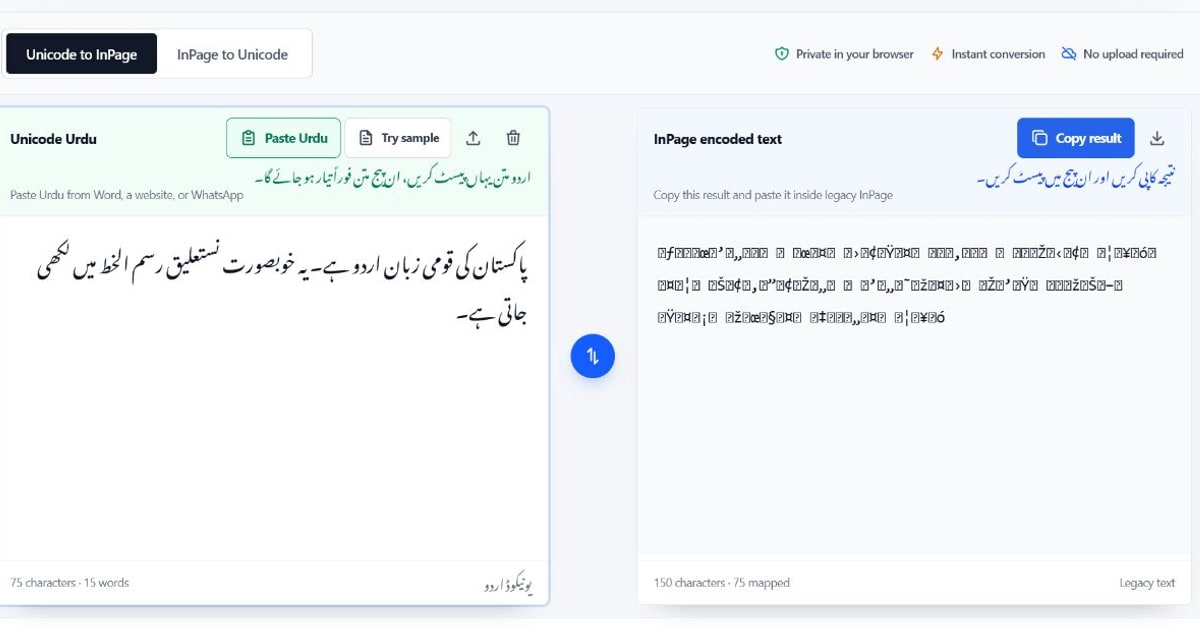
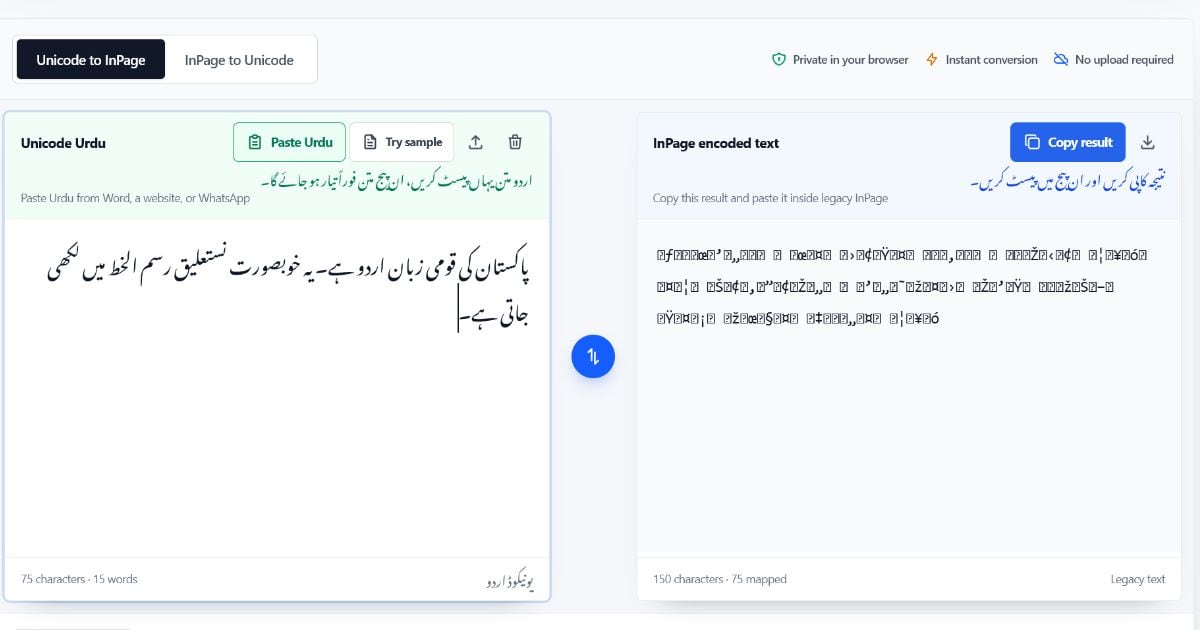
Open the Unicode to InPage converter, keep Unicode to InPage selected, and use Paste Urdu or paste directly into the left editor. The result updates automatically. Choose Copy result, then paste it into the compatible InPage text frame.
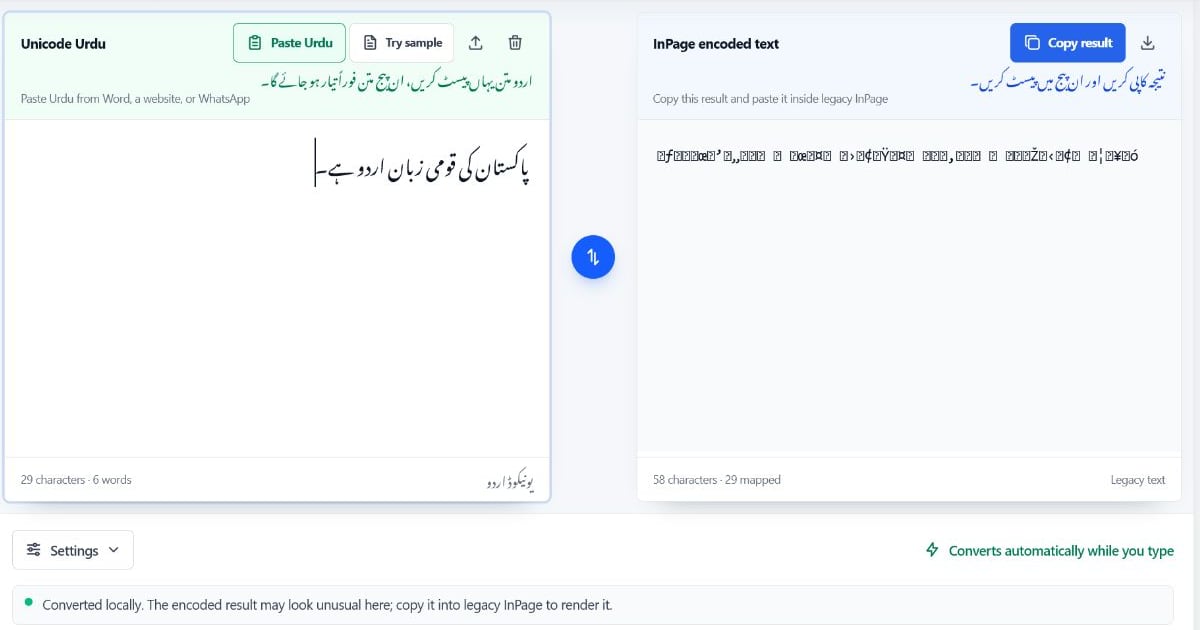
The legacy output may look unusual in the browser. That is expected. Check it after pasting into InPage, where the compatible font and document workflow can render it as Urdu.
InPage Text to Unicode Urdu
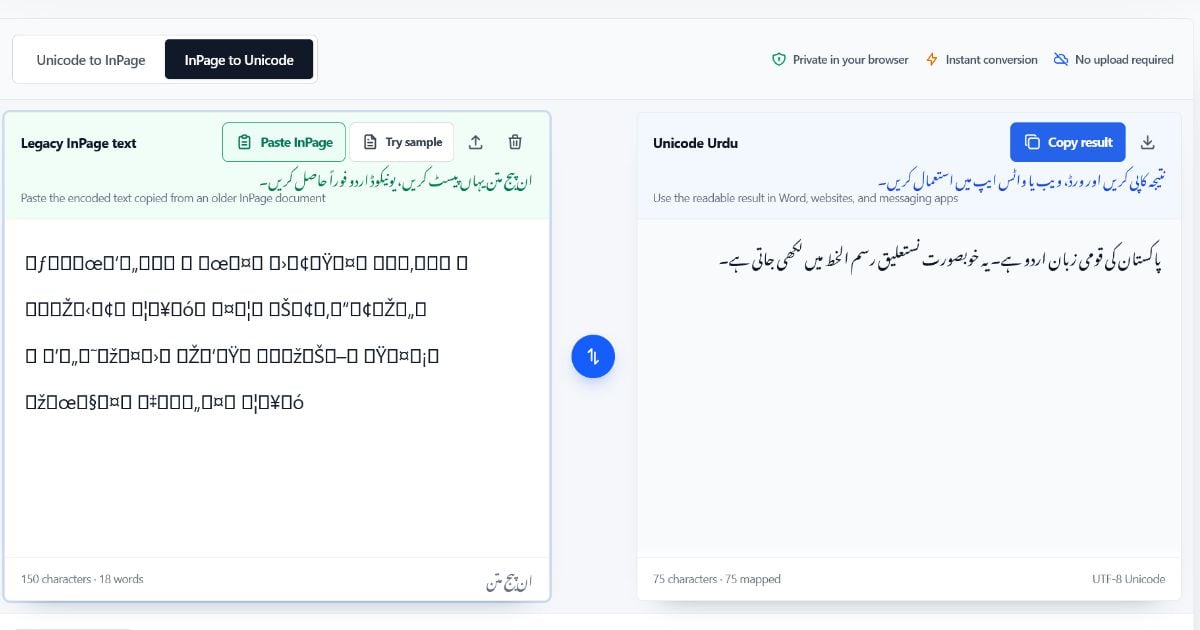
If copied InPage text looks like symbols outside its source document, select InPage to Unicode. Choose Paste InPage or paste the copied text into the left editor. The readable Unicode result appears automatically on the right.
Review names, dates, specialist marks, and mixed Urdu-English lines. Use Fix reversed numbers only when reverse conversion produces numbers in the wrong order, then check the original document again.
For a full walkthrough, read How to Convert Unicode Urdu to InPage, Why Does InPage Text Look Like Symbols?, or the source-specific guide to pasting Urdu from Word, WhatsApp, or a website into InPage.
A Safe Migration Workflow for Older Documents
When moving an archive from legacy InPage text to a modern website or database, use a deliberate process:
- Keep the original
.inpfiles and any required fonts as a backup. - Open one document in InPage and copy a short editable text passage.
- Convert it with InPage to Unicode.
- Compare names, numbers, punctuation, paragraph breaks, and uncommon characters with the original.
- Paste the checked Unicode text into its final destination and confirm the Urdu font and RTL layout there.
- Save the verified Unicode text as the new reusable master copy.
Do not rely on conversion alone to preserve page design. Recreate or verify columns, text frames, styles, images, tables, and page breaks in the destination system.
Frequently Asked Questions
Is InPage a font or a text format?
InPage is desktop publishing software. Older InPage workflows can use legacy text mappings and compatible fonts. The software, font, text values, and .inp page layout are related but are not the same thing.
Can Unicode Urdu use Nastaliq fonts?
Yes. Unicode Urdu can be rendered with suitable Nastaliq fonts. The font changes the appearance while Unicode keeps the letters in a standard, transferable form.
Does an Urdu font fix unreadable InPage symbols?
Not by itself. If the copied text uses an incompatible legacy mapping, it needs character conversion. A font may help with missing glyphs or styling after the text is already Unicode.
Can I convert an entire .inp file in the browser?
No. The tool converts copied or plain text, not the document file. Open the .inp document in InPage, copy an editable text block, and convert that text. Formatting and layout are not transferred.
Is Unicode required for Urdu SEO?
Unicode is the practical text format for an Urdu website because modern search systems and browsers can process it as text. It is an important prerequisite, not a ranking guarantee; content quality, page structure, links, and technical SEO still matter.
Choose the Right Direction
Keep Unicode Urdu as the source you can search, edit, and publish broadly. Use legacy InPage-compatible text only where the destination workflow needs it, and test a short passage before a full conversion.
Open the free Unicode to InPage and InPage to Unicode converter