· Rehman Ahmad · 7 min read
Every Punjab Textbook, Online and Free: How I Put 251 Books in Every Student's Pocket
A head teacher put the entire Punjab textbook library online — 251 free books from pre-primary to class 12, with an online reader, chapter quizzes, and real chapter lists.
Every Punjab Textbook, Online and Free: How I Put 251 Books in Every Student’s Pocket
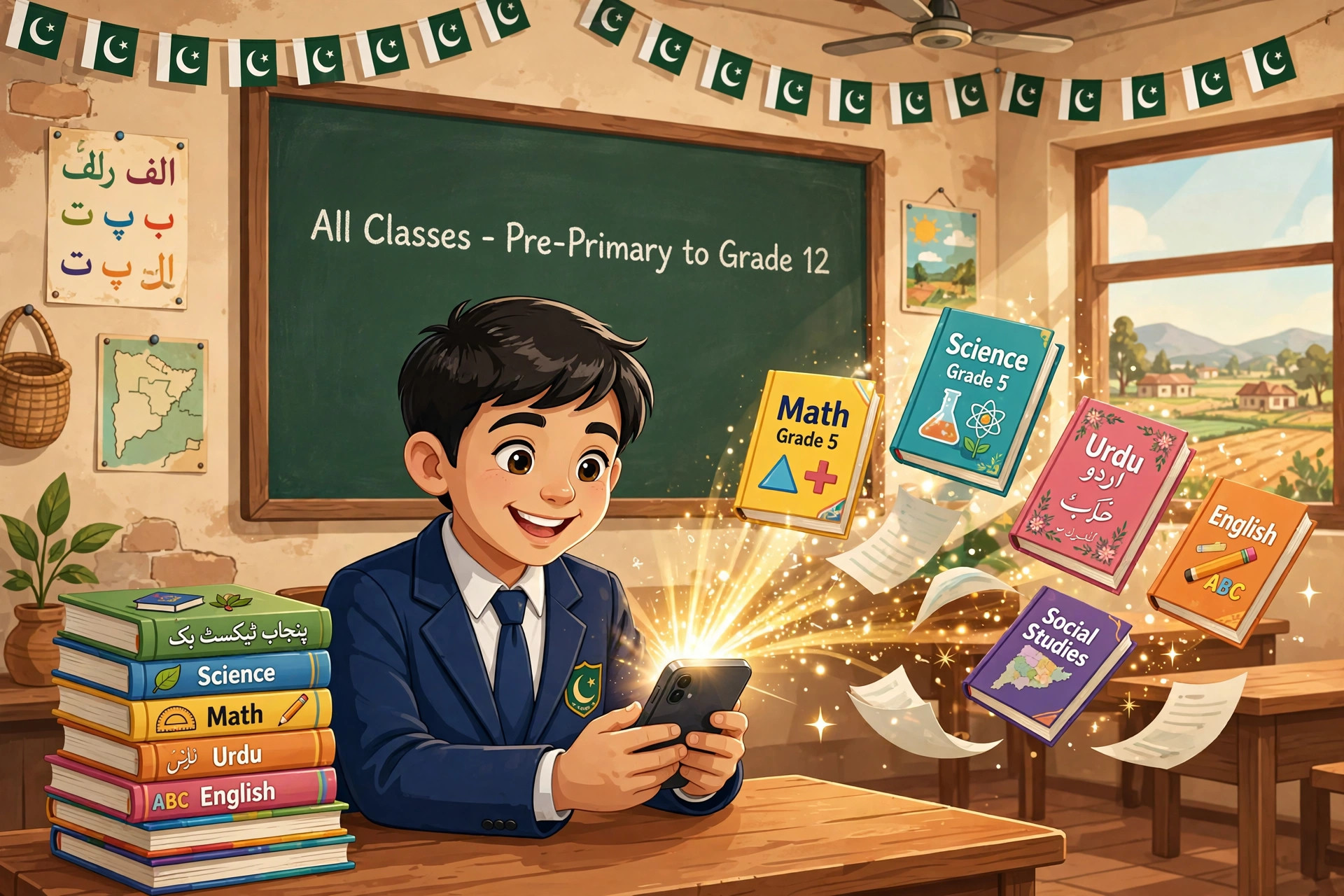
This week I finished something I’d been dreaming about for years: the entire Punjab textbooks online library is now live on my website — 251 books, every class from pre-primary to 12th grade, free for every student, teacher, and parent in Pakistan to read, download, and learn from.
I’m a head teacher at a government primary school in Yazman, Punjab. For eight years I’ve watched kids walk to school without a single textbook in their bag — not because they’re careless, but because books get lost, torn, shared between three siblings, or were never issued at all. But their parents almost always have a smartphone. So I asked myself a simple question: if the phone is already in the house, why isn’t the textbook?
The answer is now my free Punjab textbooks library. Here’s the full story — why raw PDFs were never enough, what I built instead, and what I learned digitizing 251 books as a teacher who codes at night.
Why Reading Punjab Textbooks Online Needed a Real Library
The official PDFs already existed. The Punjab Curriculum and Textbook Board’s E&SE page (PECTAA) hosts them on Google Drive. So why did I spend weeks building a library around them?
Because “the PDF exists somewhere” and “a student can actually read it” are two very different things. Here’s what raw textbook PDFs look like in practice:
- No navigation. A 200-page scanned PDF has no table of contents. Finding Chapter 3 of Science means scrolling past 60 pages of blurry scans on a 6-inch screen.
- Brutal file sizes. Some of these PDFs are 100MB+. On mobile data in a village, that download dies halfway — twice.
- No discoverability. The board’s Drive folders are organized for bureaucrats, not for a Class 7 student looking for “Waqfiyat-e-Aama.”
- No learning layer. A PDF is a photocopy. Nobody asks questions about a photocopy, nobody tests you on it, nobody tells you the tricky part of Chapter 4.
I didn’t want a download dump. I wanted a library — the kind of page I’d send a parent on WhatsApp and know they’d figure it out in ten seconds. So that’s what I built: the Punjab textbooks library at rehmanahmad.com/textbooks.
Building the Punjab Textbooks Online Library
Thirteen grade levels. 251 books. Every single book page carries more than a download button — it carries everything a student needs to actually study the book:
Real chapter tables of contents. I typed out the chapter lists for every book from the official PDFs — including scanned ones where I had to read the fehrist (table of contents) page visually. Open the Class 8 History book and you see all 5 chapters listed, clickable, in seconds.
The “Online Parho” reader. Instead of forcing a 150MB download, each book opens in a continuous-scroll reader right in the browser: lazy page rendering (a 200-page book loads like a webpage, not like a freight train), zoom for small text, go-to-page, and fullscreen mode that turns any classroom projector into a smart board.
A chapter quiz game on every book. Five multiple-choice questions, instant score, one-tap restart. I built it because my students beg to try again when they miss two — and “begging to restudy” is the closest thing to magic a teacher gets.
Teacher tips and FAQs. Every page has practical notes written from real classroom experience — which chapters trip students up, how to pace them — plus FAQs with proper search-engine markup so parents googling “Class 9 Biology chapters” actually land on the right page.
Here’s the full rollout, all verified live this week:
| Grade | Books |
|---|---|
| Pre-primary | 4 |
| Class 1–2 | 7 each |
| Class 3–5 | 7, 8, 8 |
| Class 6–8 | 19, 21, 20 |
| Class 9–10 | 55, 47 |
| Class 11–12 | 20, 28 |
Class 9 alone is 55 books — core subjects plus the technical stream. For 11th and 12th, the official PECTAA page doesn’t list books at all, so I sourced them from official PCTB mirrors and ran every file through the same verification pipeline: official list match, real chapter extraction, cover art, build, and a live check before it counted as done.
How to Read Punjab Textbooks Online: A 3-Step Walkthrough
Using it is deliberately boring — three taps and you’re reading:
- Pick your class. Open rehmanahmad.com/textbooks and tap your class. Pre-primary through 12th, all on one hub page.
- Pick your book. Every class page shows each book with its cover, subject, and medium (English/Urdu). Tap one — say Class 10 Biology — and you get the full chapter list, teacher tips, and FAQs.
- Read, quiz, or download. Read in the Online Parho reader (works on any phone browser, no app needed), play the chapter quiz after the lesson, or grab the official PDF download for offline study.
That’s the whole pitch. No login, no paywall, no app install — because in my school, “create an account first” is where usage goes to die.
5 Lessons From Digitizing 251 Textbooks
1. The table of contents matters more than the PDF. Nobody on mobile data downloads a 150MB file to find Chapter 3. The single most-used feature of the whole library is the chapter list. Navigation is the product.
2. Mobile-first isn’t a slogan — it’s the only device that exists. My students don’t have laptops. Every design decision assumed a cracked-screen Android phone on 4G: lazy rendering, compressed cover thumbnails, no heavy JavaScript frameworks on the reader.
3. Quizzes turn reading into a game. I added the 5-question quiz as a nice extra. It became the headline feature. Kids who would never “revise Chapter 4” will happily play “the Chapter 4 game” four times to beat their score. Gamification works when it’s five minutes and zero setup.
4. Use official sources only — and say so. Every book is matched against the official board lists, with attribution. When the official page had gaps (Classes 11–12), I used official PCTB mirrors rather than random uploads, and I say that openly on the site. In education, trust is the whole currency.
5. No thin pages, ever. My rule for everything I publish: a page with a download button and nothing else helps nobody. Every book page carries real, original content — chapter lists, teacher tips, FAQs. A library of 251 stubs would have been faster to build and worthless to use.
The 5-Minute Classroom Checklist
If you’re a teacher, here’s exactly how to use the library in class this week:
- Open your class page on the classroom tablet or projector-connected phone
- Open the book’s Online Parho reader in fullscreen — instant smart board
- Use zoom on diagrams and maps instead of squinting at a printed copy
- After the lesson, run the chapter quiz on the big screen — let the class vote on answers
- Share the book’s link in the parents’ WhatsApp group so kids can re-read at home
And a side note for the computer-lab side of school life: for the Windows tools my lab runs on — PDF readers, document tools, classroom utilities — I grab verified free software from filecobra.com, the free-software download directory I built and run with hash-and-signature verification on every file. Same philosophy as the library: free, safe, no junk.
What’s Next: Sindh, Then the Rest of the Country
Punjab was Phase 1. Phase 2 is Sindh — the STBB board’s own ebook portal already hosts 194+ books from ECCE through Class 12 in Sindhi, Urdu, and English, so the groundwork exists. Balochistan comes after that. The goal is simple and, honestly, a little stubborn: every textbook in Pakistan, online, free, readable on the cheapest phone in the village.
If you’re a teacher, a parent, or a student: bookmark the library and share it with one person who needs it. That’s how this grows.
And a question for you: which board should I digitize next — and what’s the one feature that would make your students actually open their books? I read every comment. Teacher by day, developer by night — this is what the nights are for.